PRE-LAUNCH SALE Ends on 1st May 2025
Stop Hating your Computer and make it work for you, with our 10 Day Course
Stop Hating your Computer and make it Work for You is for anyone who thinks their Computer hates them or is just difficult
PRE-LAUNCH SALE!
Join before 1st May 2025 to get 75%, early access, a private group where you get your questions answered daily, and more! And lifetime access to everything is just £29 (Normally £99). Offer Expires Soon.

"The training breaks everything into easy to follow steps. " - Paula B..
"The Computer now gets used properly" - Eric S.
"My laptop no longer is a bookend and gets used daily " - Allyson L..
Let's Face It...
You spent loads of Money on the Computer
❌
Problem #1
Scared to use your Computer in case I break it or worst infect it and lose all your money
❌
Problem #2
I find useful things and then can never find them again!
❌
Problem #3
I have no idea what my password's are for anything
Introducing
Make your Computer Work for you
✅
Solution #1
Setup your computer so you can find things
✅
Solution #2
Keep your Computer Safe and Secure
✅
Solution #3
Make your life easier by using your computer.
Plus So Much More!
Scroll down to see everything you get lifetime access to...
Learn How To:
You can edit the template to this image in the Canva templates HERE:
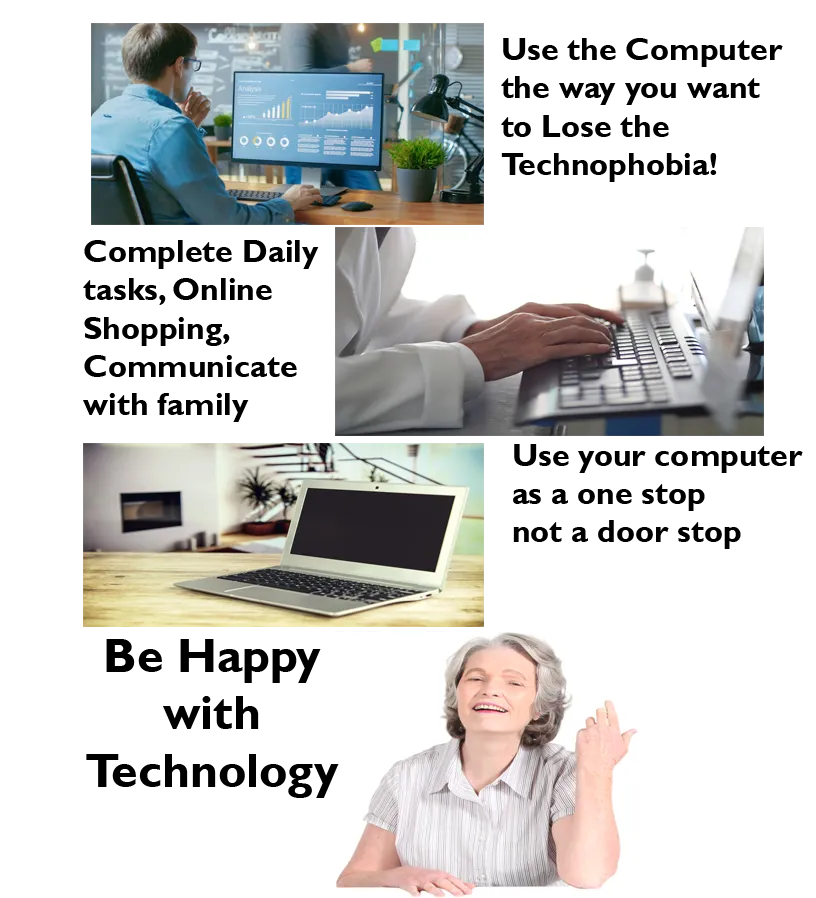
Stop Hating your Computer and make it Work for You
Course Curriculum
Organise your Desktop
Benefit: Find the things you need quickly
Feature: Know where things are
Benefit: Stop losing important information
Keep Passwords Safe
Benefit: Never lose/forget a password
Feature: Know where your passwords are stored and how to change them
Benefit: Keep your data secure and safe
Setup Two factor authentication
Know that your data is safe
Benefit: Stop your Facebook account being hacked
Feature: Make security work for you
Benefit: Understand how to keep your data safe

Using Email
Benefit: the basics
Feature: Dealing with Spam,
Benefit: Communicate with Friends and relations

Limited Time Pre-Launch Bonuses
Amazing Bonuses
Private Community: Get all your questions answered daily so you are never second guessing or wasting time!
Customized Course: The course will be built around your specific needs as an early adopter. This is something that folks will not get to experience with the finished course!
Special deal on 1 to 1 training
What's Included In Stop Hating your Computer and make it Work for You
Meet Your Instructor

My name is Martyn and I've worked in IT for 30 years.
I have taught computing and IT to adults and young people, run a department that supported 6000 users. You name it I've done it with computers and IT.
I have been my families IT support person
Talking friends and relations through complicated fixes, always thinking, with a short bit of training this would never of happened
so I made my life and theirs a lot easier with a 10 day training course - " Stop Hating your Computer and make it Work for You "
The information taught in "Stop Hating your Computer and make it Work for You"is essential in today's digital age and will achieve the following for you:-
It equips individuals with the fundamental skills needed to navigate and utilize technology effectively enhancing both personal and professional productivity.
With basic IT knowledge, people can perform everyday tasks more efficiently, such as managing emails, creating documents, and using the internet for research.
It also fosters a better understanding of cyber-security, helping individuals protect their personal information and avoid online threats.
Basic IT training can open up new career opportunities, as many jobs now require at least a basic level of computer proficiency.
It empowers individuals to be more self-sufficient and confident in their use of technology
You also get the chance to learn some awful top quality jokes like the question I'm asked why the dolphin? - It's not a dolphin its part of the brand - Using the Wrong Words on Porpoise
People are blown away at how fast they can learn basic IT when they follow a proven step-by-step process. I hope you're as excited as I am for you to begin this journey! I host a weekly Q&A call every single week in our private community, I hope to meet you soon!
Who Is This Course For?
You want to learn how to get their Computer/Laptop to work for them
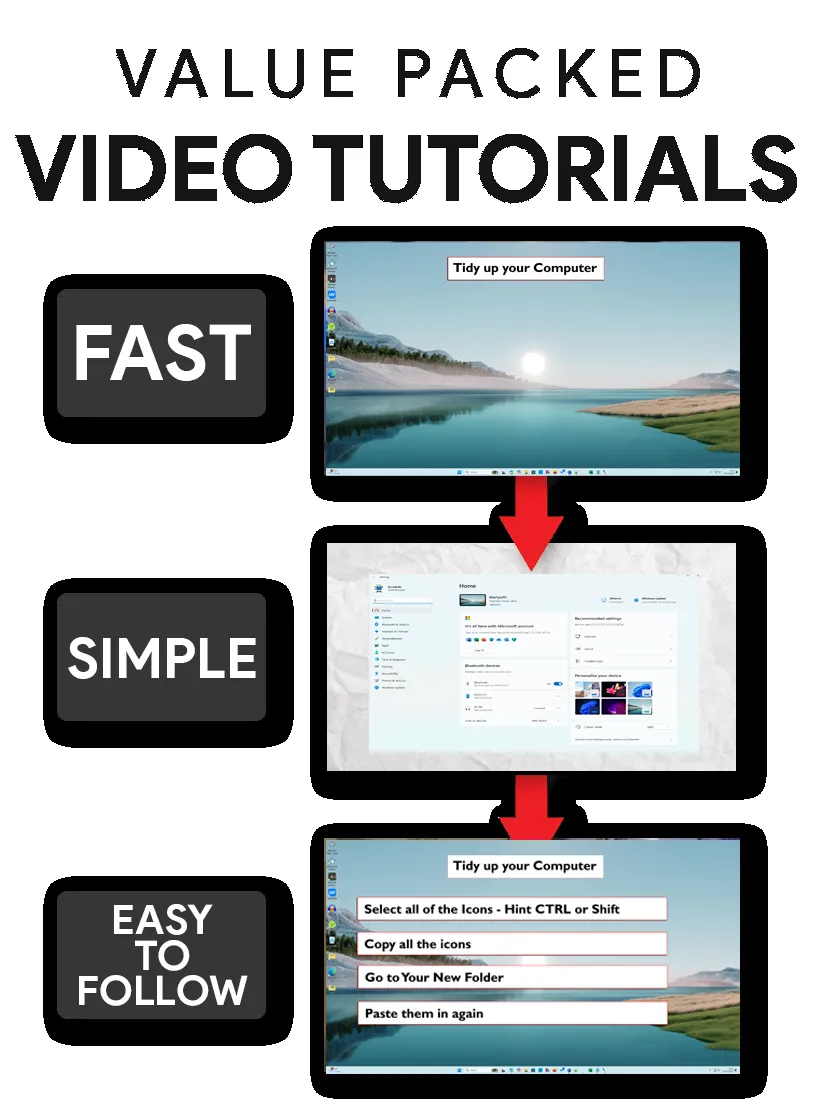
Simple Easy to follow videos, designed to be fun and interesting
People who are uneasy about using their computer and want to use it in a better way
What Categories Do We Focus On?
What is the internet and how to access it
Installing Microsoft Edge and setting it up
Passwords and security
Where is your stuff
Accessing your data on a different computer
And so much more!
Who Is This Course NOT For?
Your aren't willing to take instructions and prefer to figure things out on your own with trial and error.
You are a computer expert and have to do things your way
Frequently Asked Questions
What skill level is this program for?
The course is designed for individuals with little to no prior experience with computers. The skill level required is minimal, as the course starts with the very basics. Participants are not expected to have any technical knowledge or familiarity with computer jargon. The course progresses at a comfortable pace, ensuring that all learners can follow along and build their confidence. By the end of the course, participants should be able to perform essential tasks browsing the internet, and using email. The goal is to provide a solid foundation that learners can build upon as they become more comfortable with technology..
How long do I have access to the program & when does it start?
You can start any time, its designed to be completed in 10 days but you have lifetime access, so can take as long as you like.
Can't I learn all of this on Youtube?
Learning from YouTube can be a great resource, but it does come with some potential drawbacks:-
Quality Control: Not all content on YouTube is created by experts. Some videos might contain inaccurate or outdated information.
Lack of Structure: Unlike formal courses, YouTube learning can be unstructured, making it harder to follow a coherent learning path.
Distractions: YouTube's algorithm can lead you down a rabbit hole of unrelated videos.
Interaction: There's limited opportunity for interaction with instructors or peers, which can be crucial for understanding complex
Interruptions: Frequent ads can disrupt the learning process and reduce focus.
What do I need before starting?
A Computer or Laptop running Windows 10 or 11
Wanting to improve your IT Skills.